Setup & Ordering Instructions
1. Create An Account: Start creating your account by clicking here.
2. Contact Printmoz Support for Purchase Order Approval: Reach out to our team via email (info@printmoz.com) or phone (951-893-5100) to be granted the ability to place purchase orders.
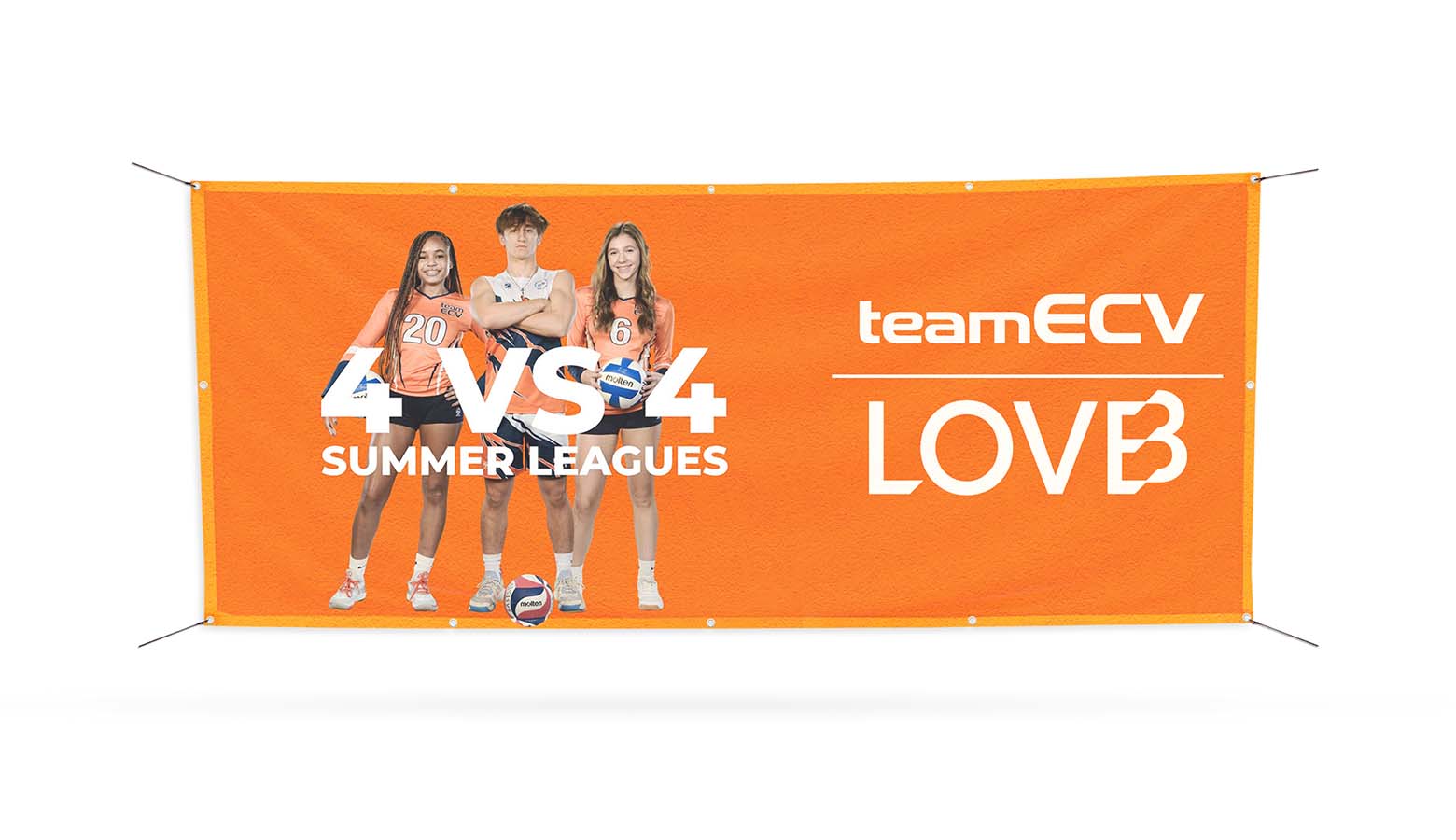
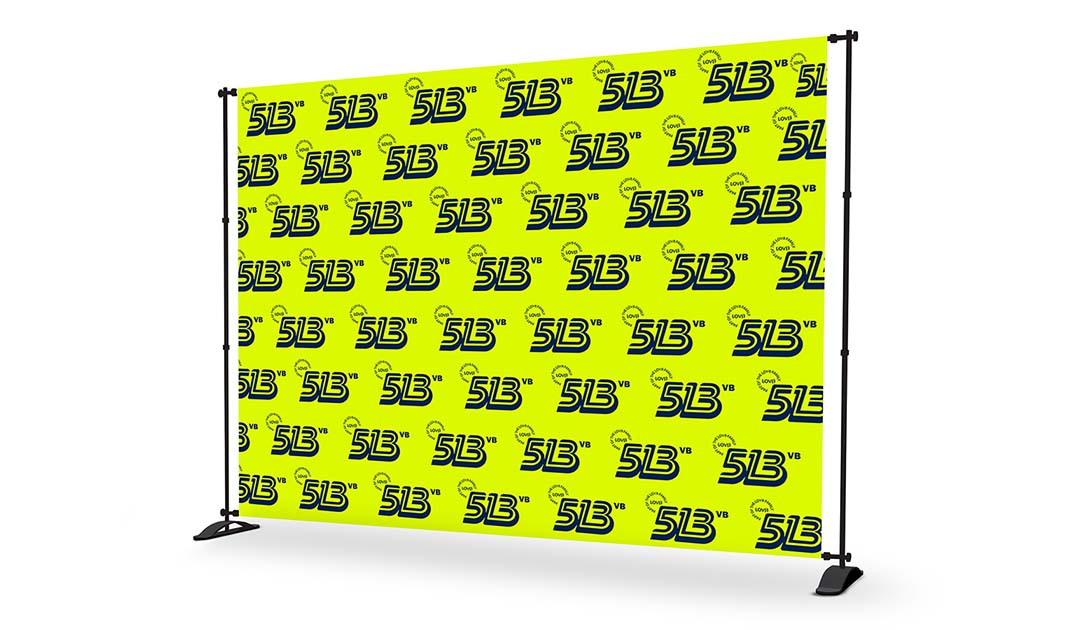
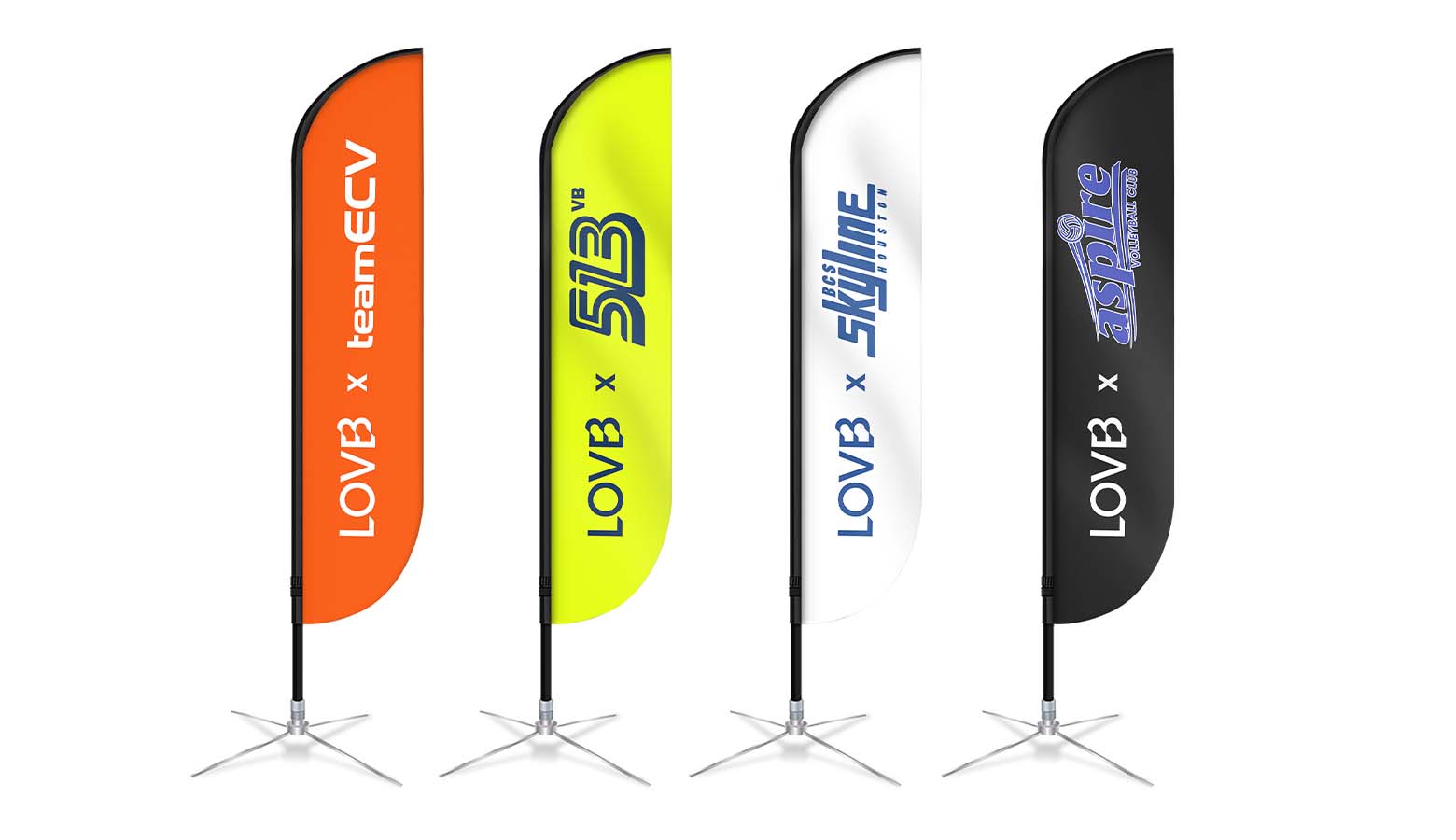
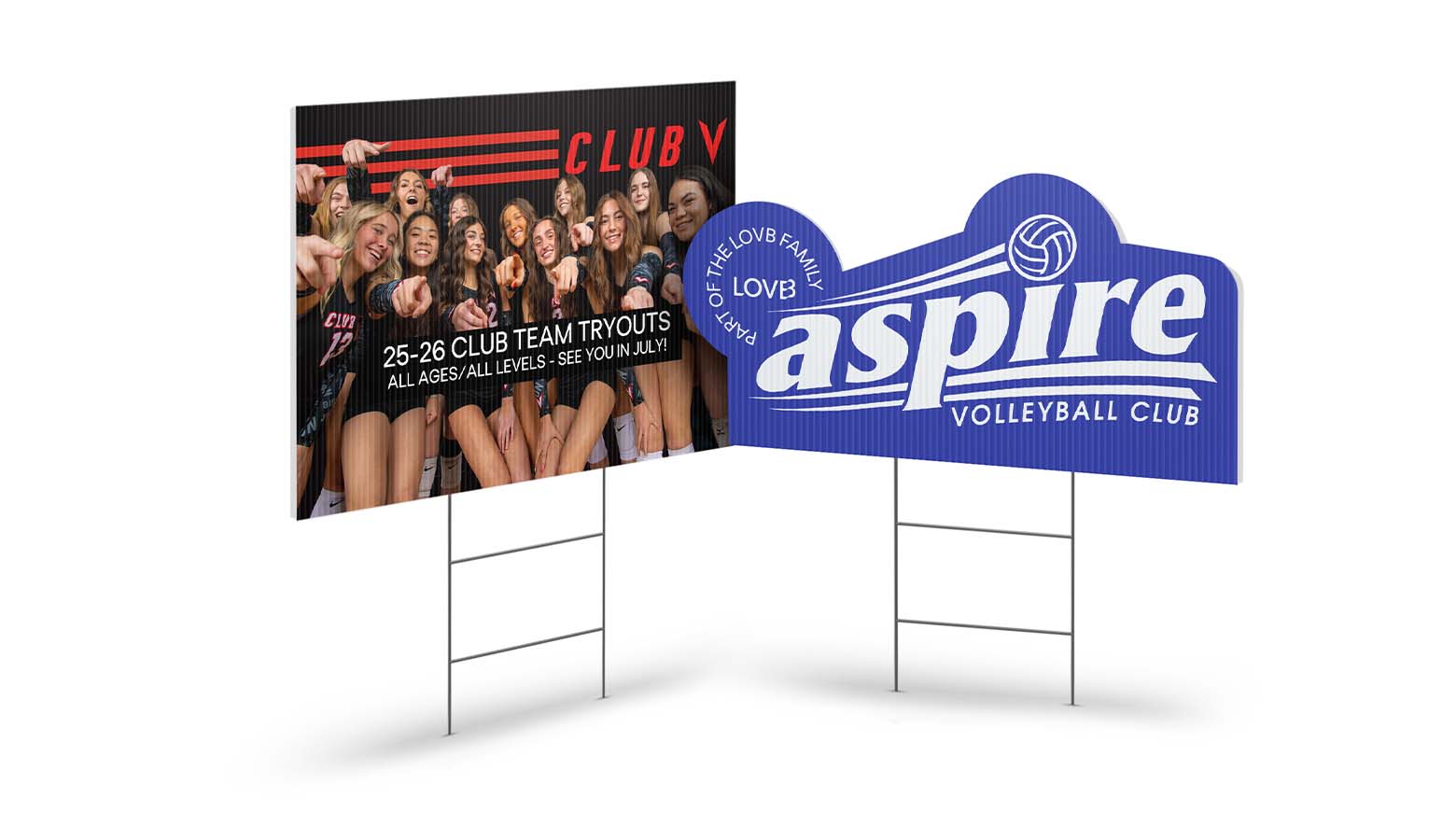
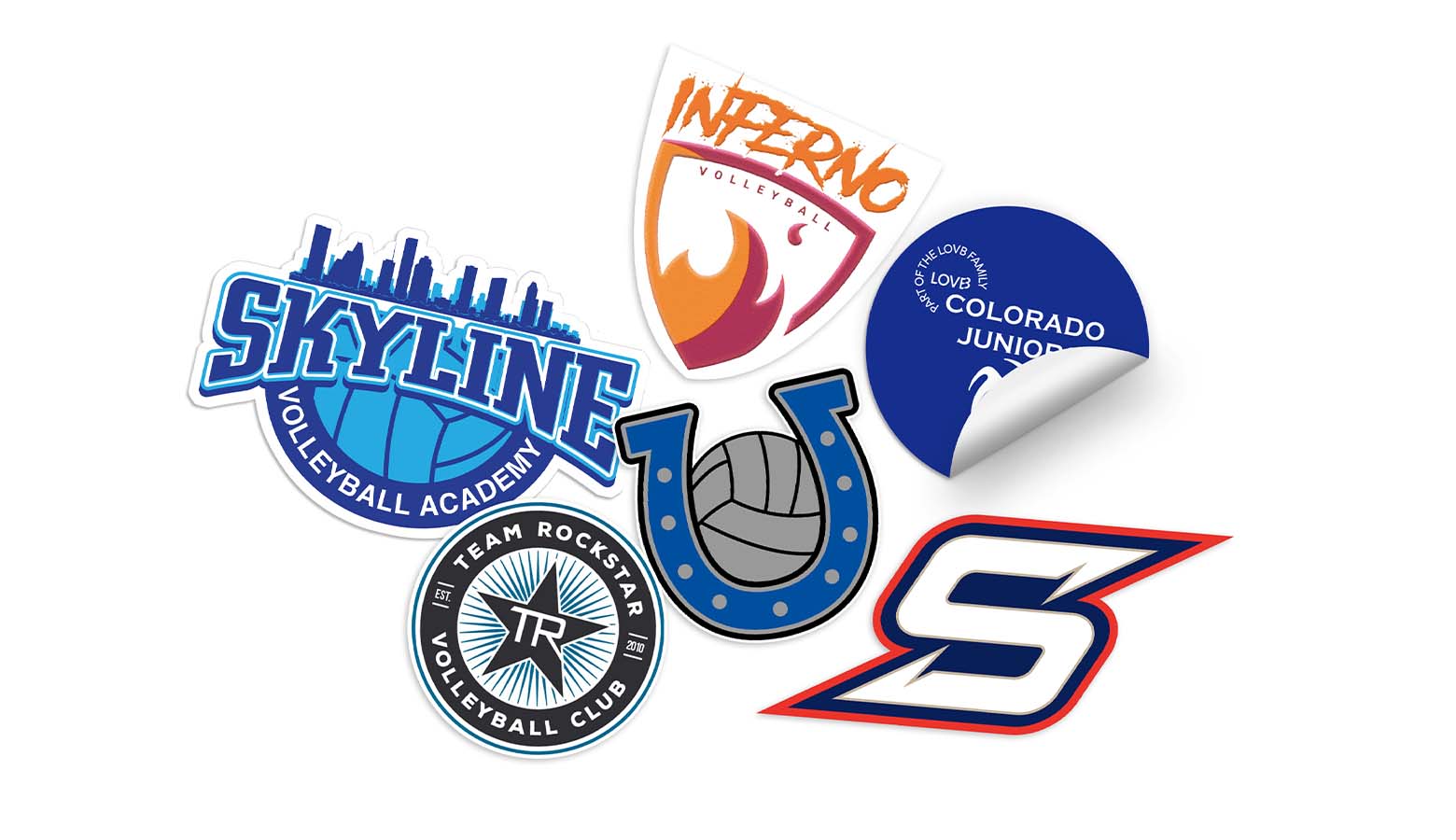
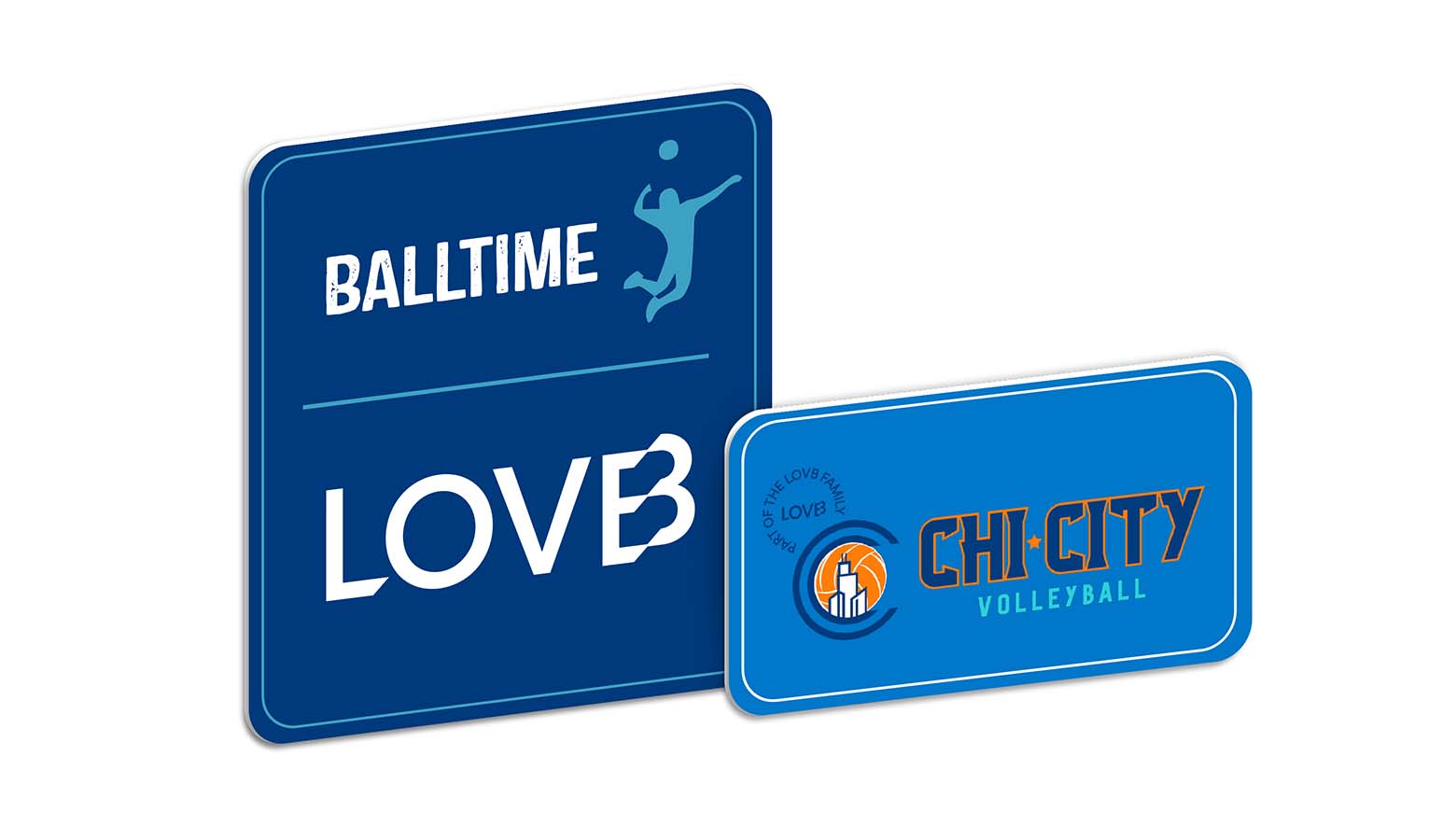
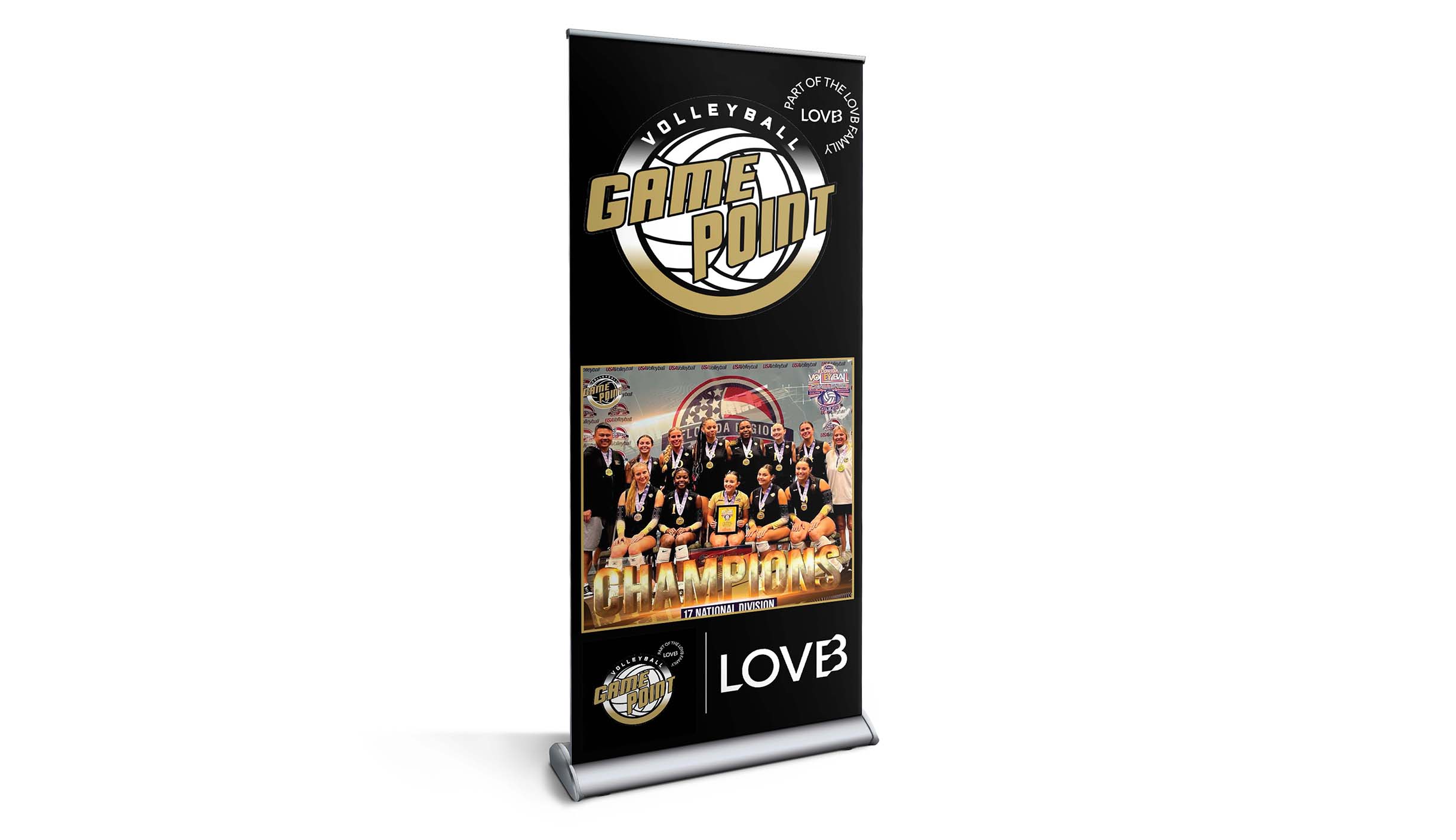
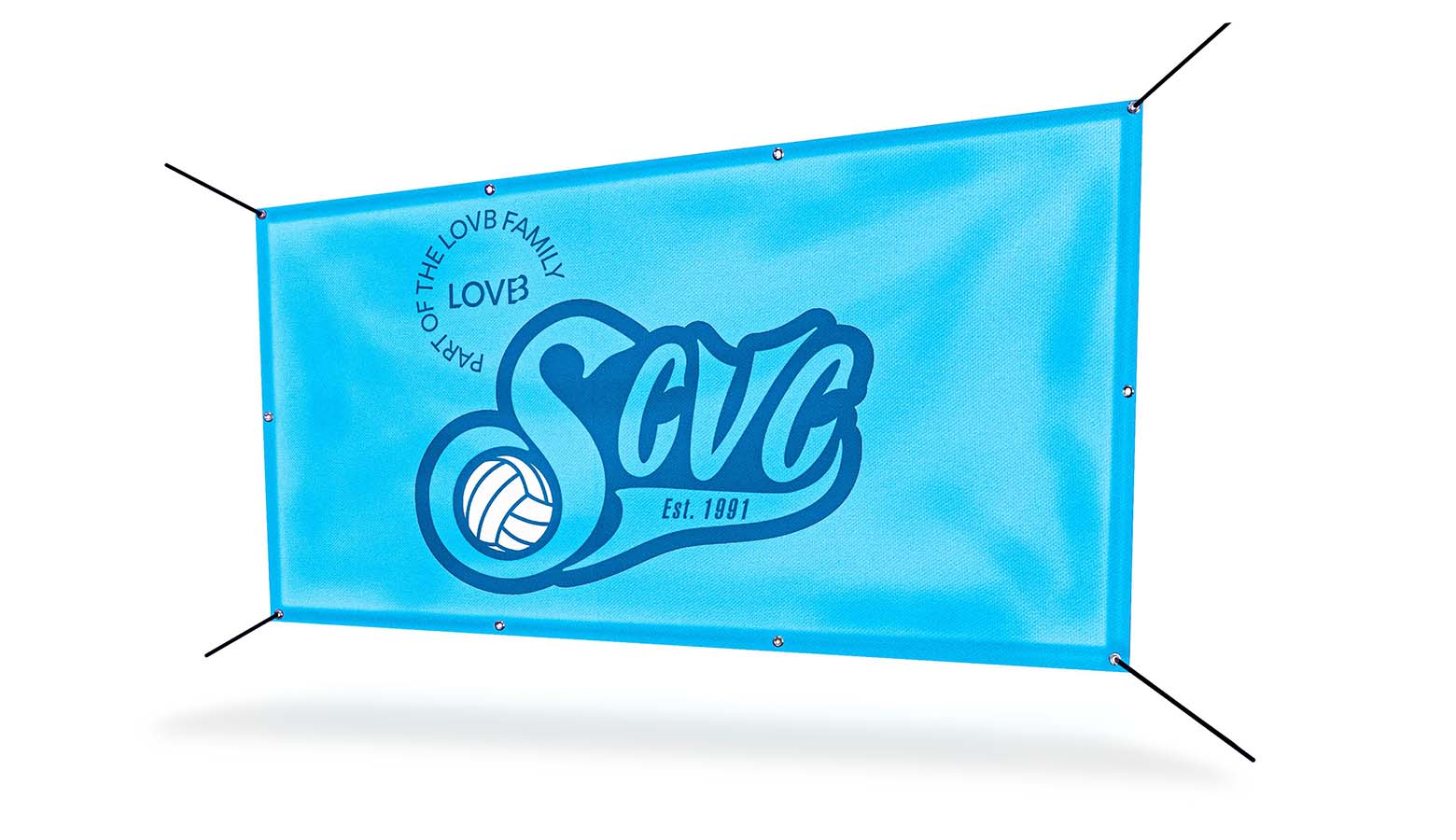
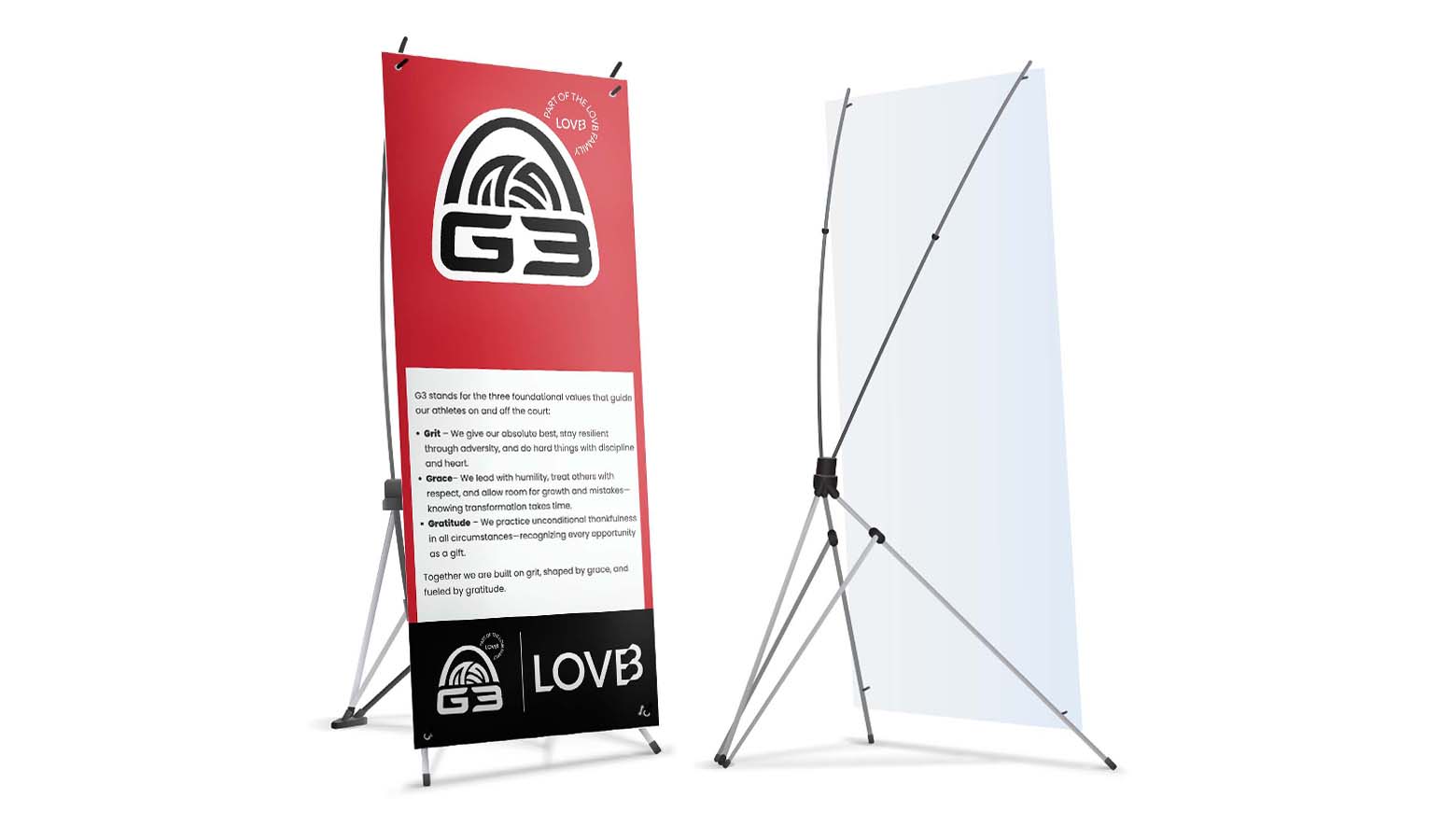
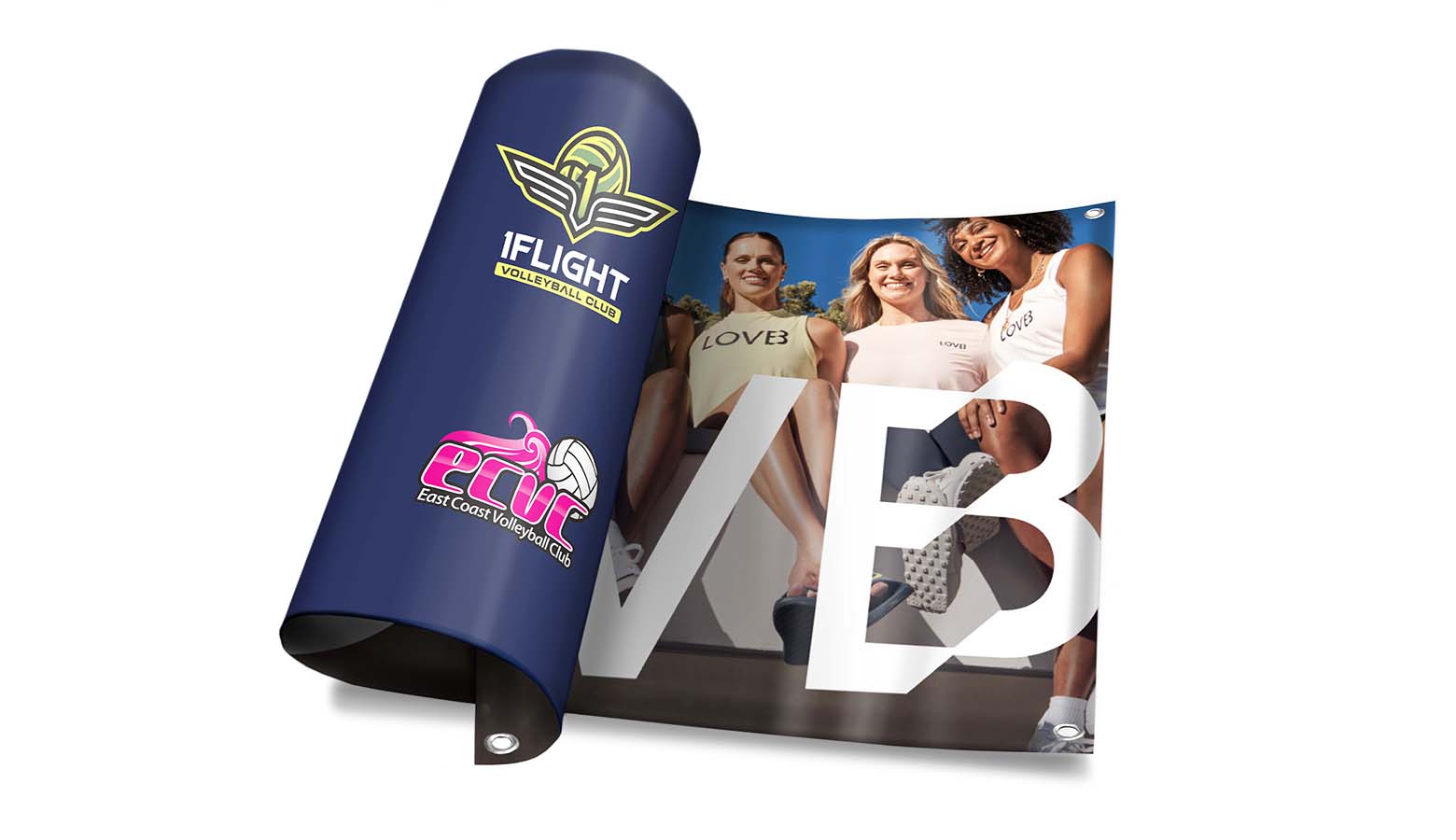
3. Select Products: We offer a curated selection of pre-approved LOVB print products here. If you’re looking for something that you don’t see, we can likely produce it as well – reach out to us directly and we can add it to your cart.
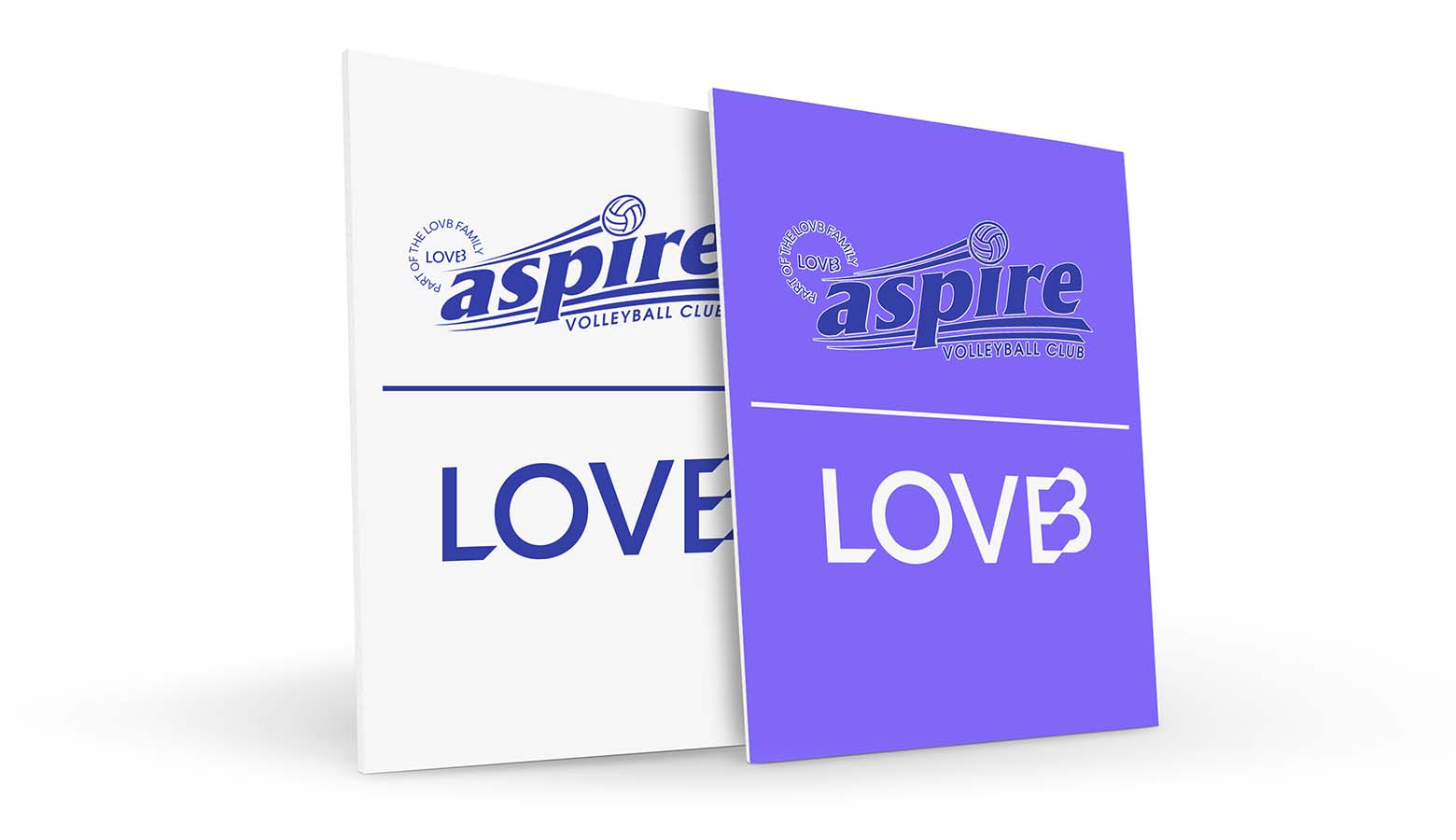
4. Upload Artwork: If providing your own artwork, make sure you are using pre-approved logos found here. If you need assistance with your artwork, reach out to us via email (info@printmoz.com) or phone (951-893-5100) and we can create the artwork for you.
5. Place Purchase Order (IMPORTANT!): Purchase orders are paid for by LOVB Central Club organization, so do not check out with a credit card. Ensure you are logged in to your account with approved purchase order capabilities (see step #2 above). Fill in your address and within “Billing”, select Purchase Order. Within the PO field, put the name of your club and the date. You are done! You we receive email updates when your order has shipped along with tracking details.